3

I'm no longer able to view or change my provisioning profile in Xcode 6.3. I'd like to switch back and forth between dev and adhoc whenever, but I can't get the options back and it seems that all of my certificates, signing identities, and other provisioning profiles are fine. I assume that the program is defaulting now to my adhoc profile (I can tell because when I build the app to my phone it errors out because in adhoc mode it won't debug - another complaint).

How do people switch back and forth with provisioning profiles? Is there a way to get back the options in the Code signing options?
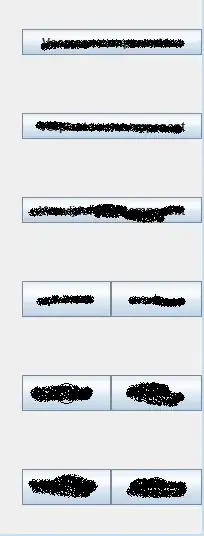
enter image description here

The above picture is set to distro mode, but even if I change it to development it does nothing.

Here is my account and all my profiles:
enter image description here

And inside xcode: enter image description here

redband
  • 287
  • 1
  • 16
  • Just my speculation, but it looks like Xcode downloads all of your provisioning files, and then uses a suitable one when you compile (based on selected options). There was formerly a setting of "Automatic" which did this - I'd guess they just made "Automatic" standard operating procedure. Note that some of the old Xcode provisioning stuff is in the Project target. – Mike M May 12 '15 at 21:40

1 Answers1

8

Ok figured this out - it's hidden away in the new UI, here are some screenshots for comparison:

'Basic' + 'Combined' view:

enter image description here

Now the 'All' + 'Combined' view:

enter image description here

redband
  • 287
  • 1
  • 16